Your data · 6 min read
Pair Pocket with your phone using your own server
Connect Pocket for Mac to a free Supabase project you run, then pair your phone with a 6-digit code to see the same balance in the Pocket web app.
Updated
How sync works
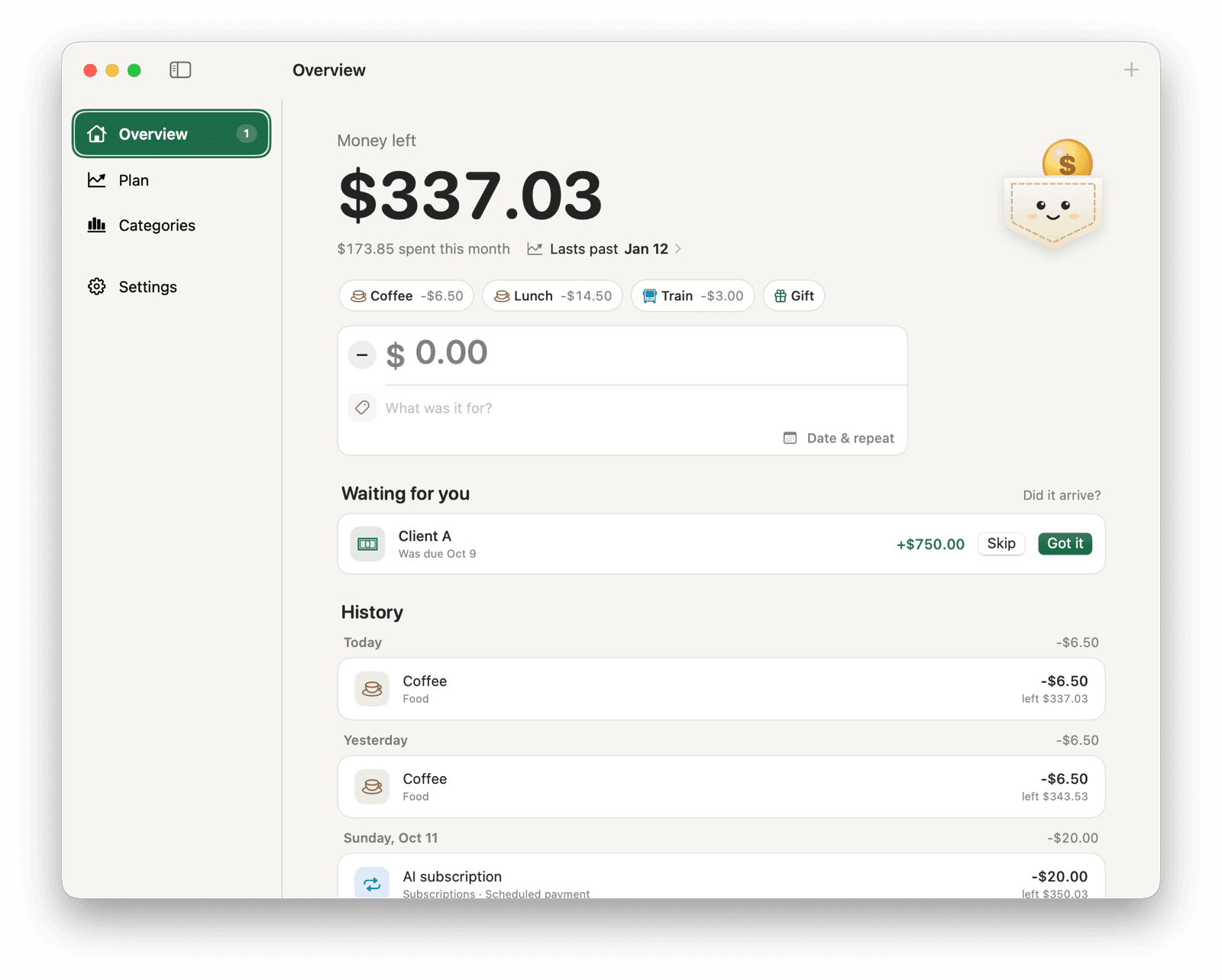
Pocket for Mac works fine on its own: your money stays in one file on your Mac. If you also want your balance on your phone or another computer, give Pocket a server of your own. It's a free Supabase project that only you can read, and setting it up takes about five minutes.
Your Mac keeps a full copy and keeps working offline. The server holds the main copy, so every device agrees.
The same steps, next to the files they refer to, are in the technical reference on GitHub.
Make a Supabase project
- Create a free account at supabase.com and make a new project. Any name and region work.
- Wait until it says the project is ready.
Load Pocket's database
Run the files in supabase/migrations in order, oldest first. Use either method:
- SQL editor: in your project, open SQL Editor, paste each file and click Run.
- Supabase CLI: from a copy of the Pocket repository, run “supabase link --project-ref <your-project-ref>”, then “supabase db push”.
Set up the server from your Mac
- In your Supabase project, open Project Settings → API and copy the Project URL and the publishable key (sb_publishable_…, also called the anon key). Never use the secret or service-role key.
- In Pocket for Mac, open Settings → Sync → Connect…, expand Server, and paste both.
- Click Set Up This Server.
Add your phone
On the Mac, open Settings → Sync → Pair…. You get a 6-digit code and a link. Open the link on your phone: it opens the Pocket web app already pointed at your server, with the code filled in. Tap Pair, then Add to Home Screen so it works like an app.
You can also open the Pocket web app on any device, choose Use your own server, enter the same URL and publishable key, and type a code.
To host the web app yourself as well, publish the docs folder anywhere that serves static files, for example GitHub Pages on your fork.
Keep the project awake
Free Supabase projects pause after a week with no requests. Pocket for Mac checks in every 30 seconds while it's running, so a Mac that's on most days keeps the project awake.
For a safety net, copy the keepalive workflow into your fork and change the URL and apikey to yours. It calls pocket_ping once a day, which reveals nothing.
Remove a device or start over
| To | Do this |
|---|---|
| Remove a device | Settings → Sync → Devices on the Mac, or Settings → Devices in the web app. A removed device is locked out right away. |
| Leave the server | On the Mac, Settings → Sync → Disconnect. The Mac keeps everything as a local copy. |
| Start over | Delete the Supabase project, or run the migrations on a new one, and set up again. |