Choosing an approach · 5 min read
Mac menu bar money apps compared
Three Mac apps keep money in the menu bar: simplebanking shows a German or EU bank balance, Up Only tracks net worth, and Pocket counts what you enter. What each one does, what it costs and which fits.
Updated
The short answer
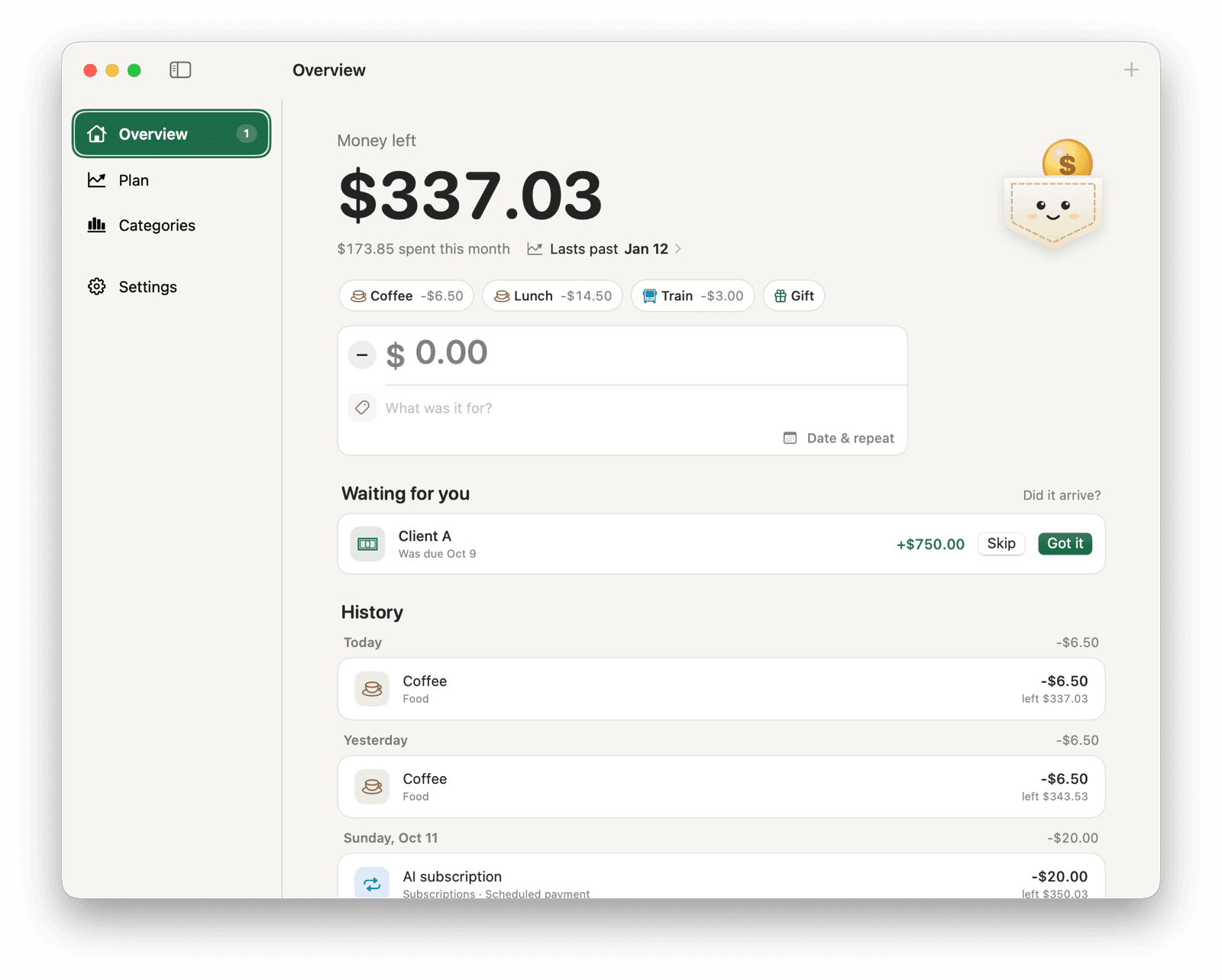
Few Mac apps put money in the menu bar. As of October 2026, three are available: simplebanking, Up Only and Pocket. simplebanking shows a live bank balance for German and some other European banks. Up Only tracks cash flow and net worth, and you build it yourself. Pocket shows the money you have left from entries you type, in any country and currency.
Pocket is made by the author of this page, so read the comparison with that in mind. Facts about the other apps come from their public pages, linked below, checked on October 17, 2026.
| Feature | simplebanking | Up Only | |
|---|---|---|---|
| In the menu bar | Money left | Bank balance | Cash flow, net worth |
| How entries arrive | You type them | Bank connection | You type them or import CSV |
| Banks and countries | Any, no bank needed | Germany, some EU banks, UK | Any, no bank needed |
| Price | Free | Free download | Free, MIT license |
| How to install | Signed .dmg | Download from its website | Build with Xcode |
| macOS | 14 or later | 13 or later | 26 or later |
| Data | One file on your Mac | Read-only via YAXI | Encrypted vault on your Mac |
| Looks ahead | 12-month forecast, runs-out date | Bills, recurring debits | Not described |
simplebanking: a live bank balance in Germany and the EU
simplebanking shows your bank balance in the menu bar and lists recent transactions when you click it. It connects through YAXI, a regulated open-banking provider with read-only access. It covers nearly all German banks, a growing list in Austria, France, Italy, Spain, the Netherlands, Belgium, Luxembourg and the UK, and PayPal. It detects recurring debits, and version 2.0 added bills.
It's a free download from simplebanking.de, its source code is on GitHub, and it needs macOS 13 or later, according to its launch coverage. Choose it if your bank is supported and you want transactions to appear without typing them.
Up Only: cash flow and net worth, built from source
Up Only is an open-source menu bar app for monthly cash flow and net worth. You add bank balances, crypto, gold and silver, and single income or expense entries by hand, or import bank statements as CSV files. Everything sits in one encrypted vault on your Mac, unlocked with Touch ID or your password, with no account or cloud sync.
It has no published release yet: you build it with Xcode 26.6 on macOS 26 or later. Choose it if you want net worth across several kinds of assets and you're comfortable building an app yourself.
Pocket: the money you have left, from what you enter
Pocket shows your recorded balance in the menu bar: the amount you started with, plus income and minus spending you've recorded. Bills and paychecks can repeat on their own, and money you're still waiting for stays out of the balance until you confirm what arrived. Plan forecasts your balance for up to 12 months and shows the date it would run out.
It's free, signed and notarized by Apple, and runs on macOS 14 or later, on Apple Silicon and Intel. Your data stays in one file on your Mac. Choose it if you want one number you can always see, your bank isn't covered by sync services, or you'd rather not link a bank account.
The tradeoff: Pocket imports nothing. If you forget to record a purchase, the number is off until you add it. Quick-add buttons keep that to one keystroke for things you buy often.
What happened to Balance?
Balance was the best-known Mac menu bar finance app. It connected bank, card and brokerage accounts through Plaid and charged by the number of accounts. It's no longer available, so it isn't in the table.
Apps that aren't in this comparison
My Pockets and Money Counter track money on a Mac, but their App Store listings don't mention a menu bar item. Full budgeting apps such as YNAB work in a window or a browser. If you're deciding between typing entries and importing them from your bank, read manual tracking vs bank sync.